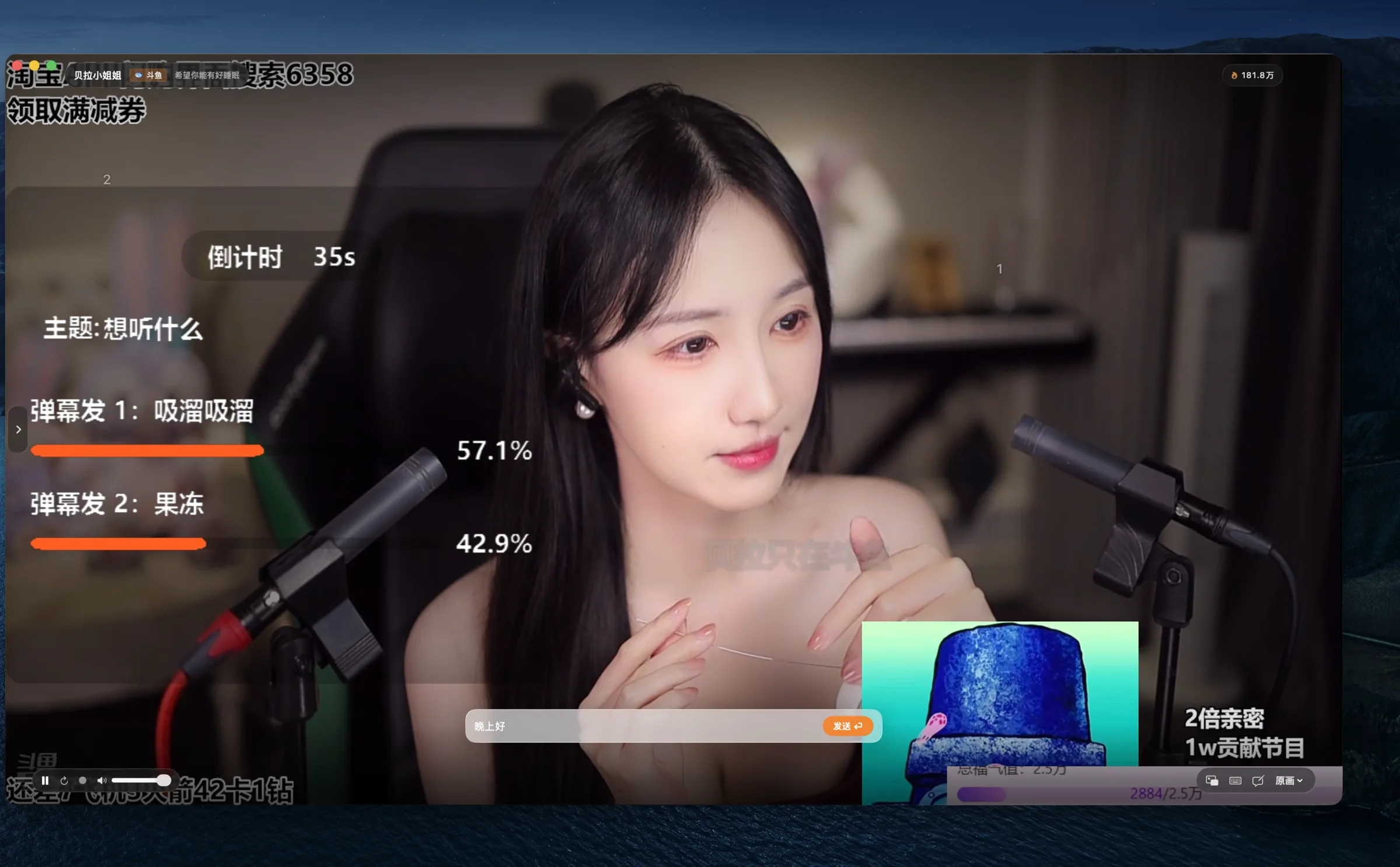
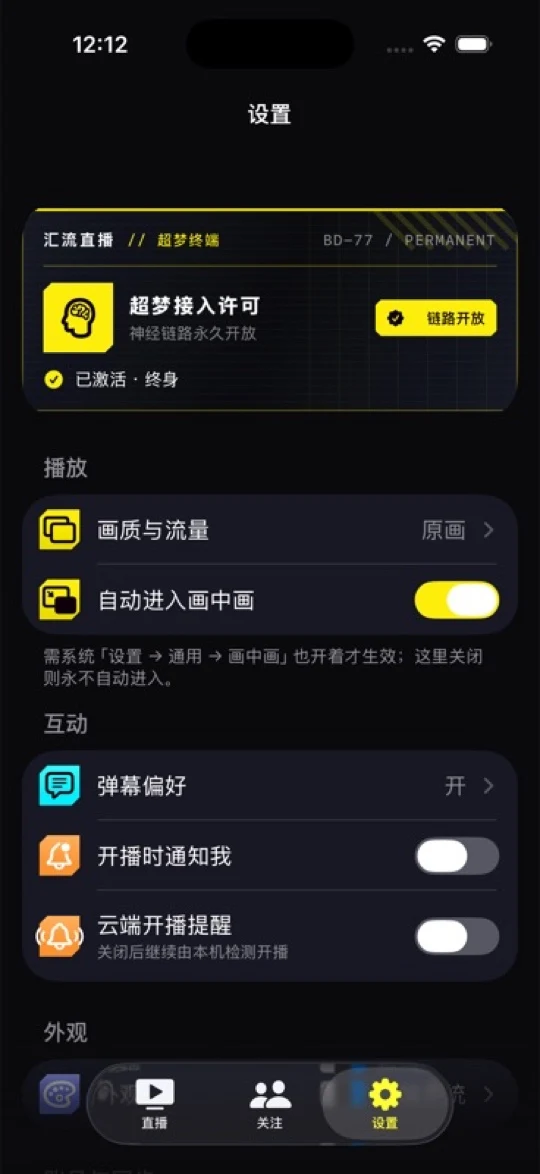
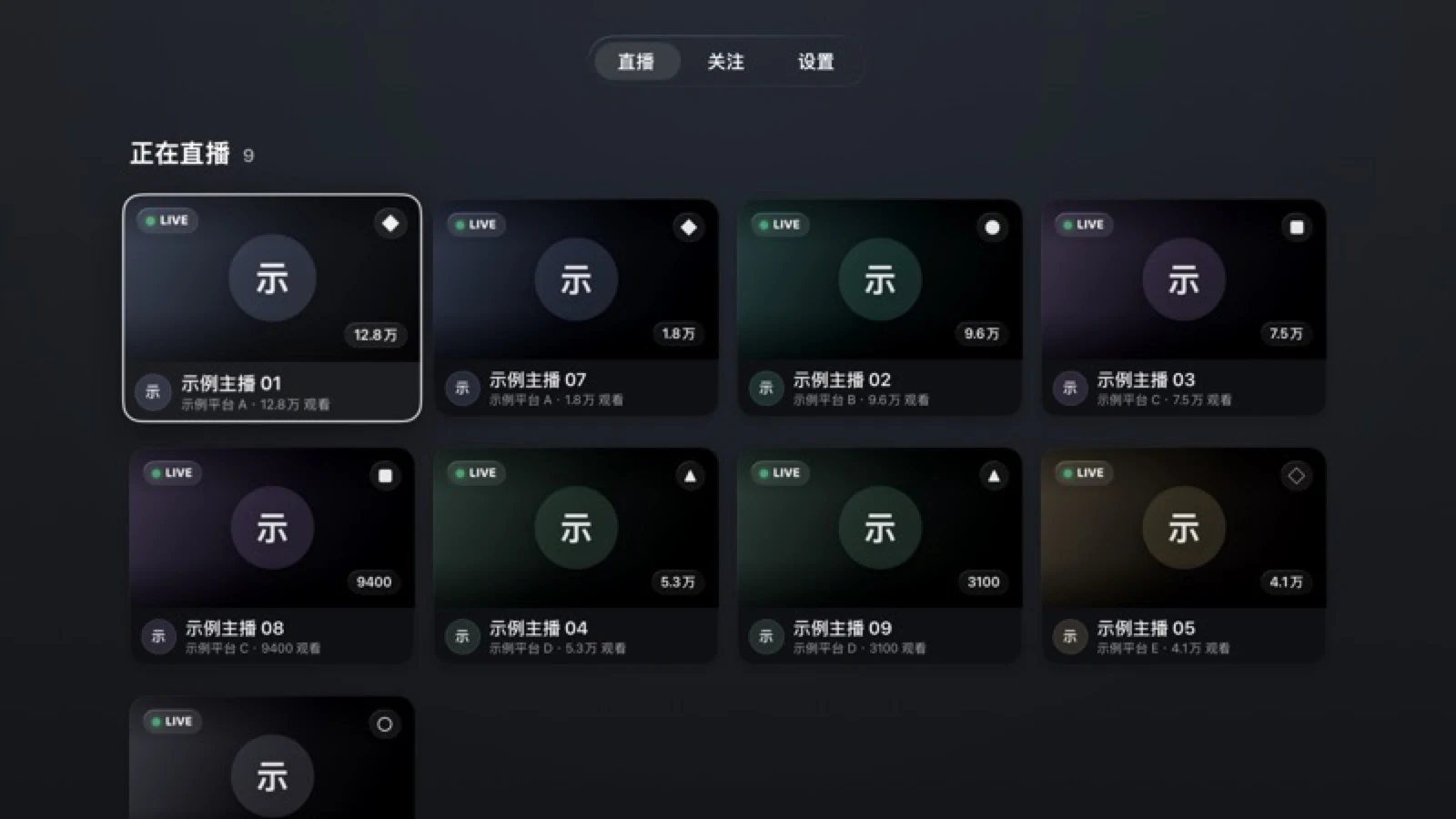
How do I get 汇流直播?
The official Mac, iPhone, iPad, and Apple TV versions are available from the App Store as a free download. See the download page for versions, storefront availability, and system requirements; the app is not currently offered in the mainland China storefront.
Which live platforms does 汇流直播 support?
It supports multiple major livestream platforms, including Douyin, Douyu, Huya, and Bilibili. Playback, live-status, and danmaku capabilities vary by platform and client; the Add Streamer screen in the app shows the current support range.
What can the Free Version do?
The Free Version offers unlimited-time viewing on multiple major platforms and default-style danmaku, with up to 3 followed streamers per platform. On-device go-live detection, system go-live notifications, menu bar presence, basic appearance, viewing stats, data export, and iCloud sync are included as well. Upgrading to the Full Version unlocks unlimited follows, cloud go-live alerts, multi-window playback, danmaku customization, and appearance themes on iPhone and iPad. Exact capabilities vary by client.
What are cloud go-live alerts?
The streams you want, watched for you in the cloud. Even when the app is not running, monitoring can continue for the streamers you have enabled alerts for. On-device detection and system go-live notifications are available in the Free Version; the purchase only unlocks this hosted, continuous cloud monitoring. You turn it on yourself on Mac, iPhone, or iPad; Apple TV does not offer it. Turning it on submits the selected streamers' platform and room identifiers for cloud monitoring. The service depends on the network and the live platforms, and delivery is best-effort.
How do I buy the Full Version?
The 汇流直播 Full Version is a non-consumable in-app purchase on the App Store: pay once; it does not auto-renew. The price is the local price shown by the App Store at purchase time. After purchase, you can permanently use the Full Version features delivered by later versions of the same app.
How do I restore purchases?
Choose “Restore Purchases” on the purchase page or in Settings, and the app re-reads the valid App Store purchase records owned by the current Apple Account through StoreKit. If you purchased through another channel earlier, please email the author.
Is Family Sharing supported?
Family Sharing availability depends on the App Store product page and Apple’s sharing settings. Full Version access for a family member requires a valid shared entitlement from Apple.
How do I request a refund?
All purchases are completed through Apple's App Store. Some purchases may be eligible for a refund; sign in to reportaproblem.apple.com to submit a request to Apple. Eligibility and outcomes vary by country or region and are subject to Apple's decision and applicable consumer law. If Apple refunds or revokes a transaction, the corresponding Full Version entitlement ends.
What are the system requirements?
The minimum requirements are macOS 15.0+, iOS/iPadOS 18.0+, and tvOS 18.0+. Actual availability follows the download page.
How do I use the Apple TV version?
Search for 汇流直播 in the Apple TV App Store and download it for free. The Full Version is purchased in-app, and “Restore Purchases” reads only the valid App Store purchase records owned by the current Apple Account. The follow list, preferences, and signed-in platform states sync through iCloud on the same Apple Account.
How do I add a streamer?
Paste a live-room URL and the platform is recognized and added automatically. Streamers can be added before they go live, and Xiaohongshu profile links and live-share links are supported too.
Can danmaku be customized?
The Free Version uses the default danmaku style. On Mac, iPhone, and iPad, the Full Version adjusts size, speed, opacity, area, density, blocklist, and a hot-word panel; the Apple TV Full Version adjusts opacity, area, speed, and size.
Can I send danmaku?
Yes. On platforms that support sending, sign in and send directly from the player; your own danmaku is highlighted. See the app for current support.
Can my data be backed up?
The macOS version can export the streamer list as a JSON file for backup, and all three sides can also sync the follow list and preferences through iCloud.